

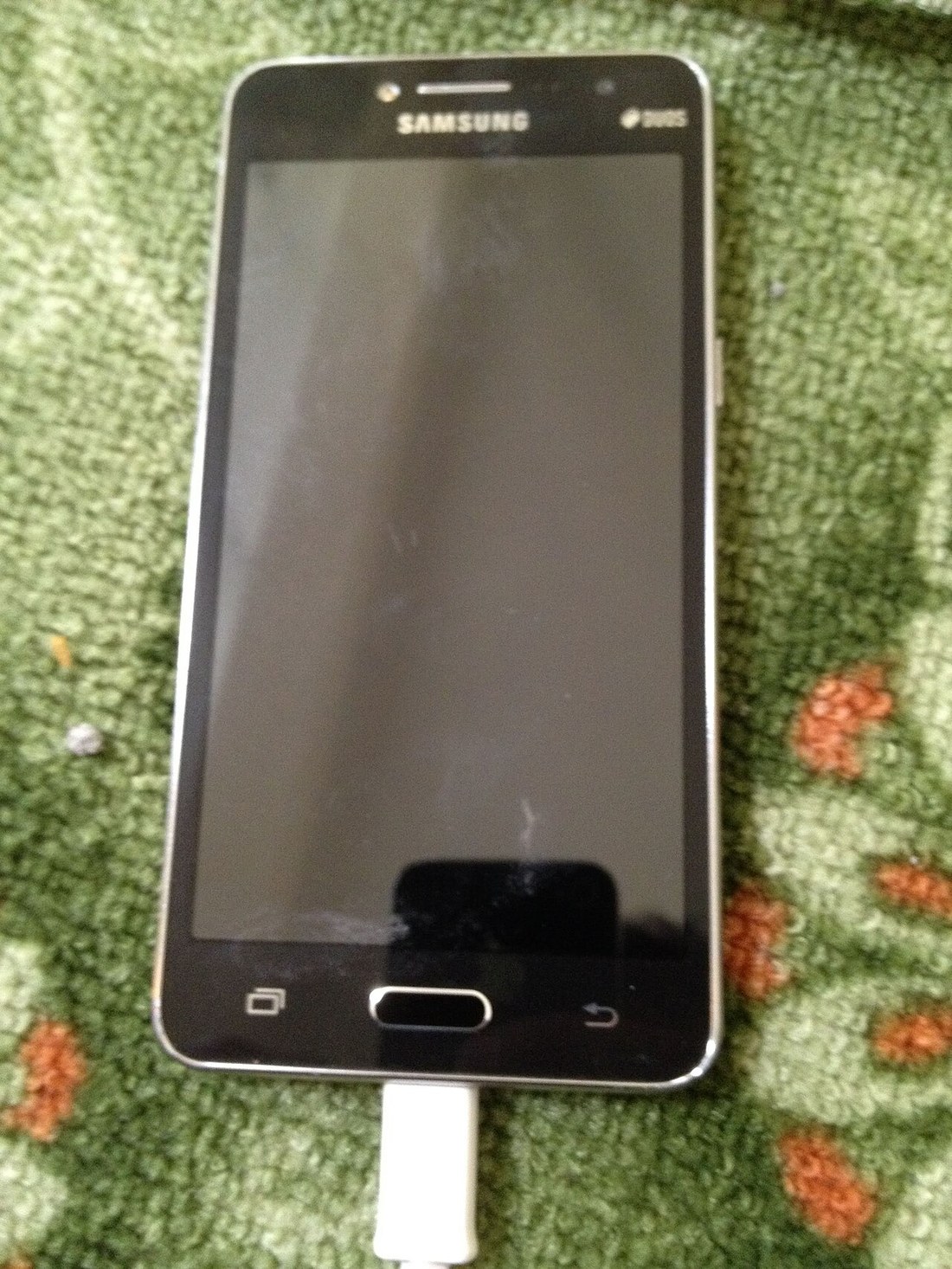
A hot phone is hard to ignore. It feels uncomfortable in your hand, the screen may dim without warning, and charging can slow to a crawl. The good news is that most heat is normal and fixable, and this phone overheating solution will help you tell the difference between a phone working hard and a phone that needs attention.
Heat is a by-product of work. Every time your processor runs, your radio searches for a signal, or your battery takes in charge, a little energy escapes as warmth. Problems start when heat builds faster than the phone can shed it, or when it stays high for a long time. Apple’s guidance on iPhone and iPad temperatures explains that these devices are designed for use in ambient temperatures between 0°C and 35°C, and that using a phone in very hot conditions can permanently shorten battery life. You can read Apple’s guidance on iPhone and iPad temperatures for the full operating ranges.
Why phones overheat
A phone has no fan. It relies on its metal frame, glass back, and software throttling to move heat away from the processor and battery. That works well in normal use, but several everyday situations can push it past its comfort zone.
Processor load: games, video, and editing
Modern phone chips are remarkably powerful. A flagship processor can run billions of operations per second, and it draws several watts under sustained load. Play a graphically demanding game for 30 minutes, edit 4K video, or run a video call while navigation is running in the background, and the chip will get warm by design. The phone may then reduce its clock speed, a process called thermal throttling, to protect itself. That is why a game can feel smooth at first and then drop frames after 20 or 30 minutes: the phone is deliberately slowing down to stay safe.
Video is another heavy load. Streaming high-resolution video, recording in 4K at 60 frames per second, or using augmented-reality filters keeps the processor, camera sensor, and display working at once. On a warm day, that combination alone can make the back of the phone noticeably hot.
Charging, especially fast and wireless charging
Charging is a chemical process, and it always generates some heat. Fast charging makes it more obvious. A charger delivering 25 watts, 45 watts, or more pushes energy into the battery quickly, and some of that energy becomes heat. Wireless charging is usually warmer still, because energy is transferred through a coil rather than a cable, and the process is less efficient. A phone that is warm while charging is common; a phone that is too hot to hold comfortably while charging is a sign to slow down, remove the case, or switch to a slower wired charger.
Old or damaged cables can add to the problem. A frayed cable, a cheap charger that does not regulate voltage properly, or a loose connection can cause inconsistent charging and extra warmth. Stick to chargers and cables that meet the manufacturer’s specification, and avoid charging under a pillow, inside a bag, or on a soft bed where heat cannot escape.
Sunlight and hot surroundings
Direct sun is one of the fastest ways to overheat a phone. A dark phone left on a car dashboard can climb well above the air temperature in minutes. Apple advises storing devices between -20°C and 45°C, and warns against leaving a phone in a parked car, where temperatures can exceed that range. Even on a mild 25°C day, a car interior in full sun can pass 50°C in less than an hour. The same applies to a phone left on a beach towel, a windowsill, or the top of a radiator.
Background apps, weak signal, and updates
Sometimes the culprit is not what you are doing, but what the phone is doing without you. Apps refreshing in the background, photos backing up to the cloud, a large software update downloading, or a phone struggling to hold a weak mobile signal can all keep the processor and radio busy for hours. Poor signal is particularly draining: when bars drop to one, the phone increases its radio power to stay connected, which uses more energy and produces more heat. After a major update or a restore from backup, a day of extra warmth is also common while the phone re-indexes photos and files.
What temperature is actually safe?
There is no single number for the temperature of the phone itself, because manufacturers measure internal components rather than the outside of the case. As a practical guide, a phone that feels warm after gaming or charging is usually fine. A phone that is uncomfortably hot to hold, shows a temperature warning, dims its screen, stops charging, or shuts down is telling you it has crossed a safe limit. Lithium-ion batteries, which power almost every modern phone, also age faster when they are regularly kept hot. Research and manufacturer guidance consistently point the same way: heat above about 35°C ambient, sustained over months, shortens long-term battery health more than normal room-temperature use.
How to cool your phone down right now
If your phone is hot now, do the least dramatic thing first: stop the heavy work and let it rest.
Close the game, video editor, or camera app, and put the phone down for 10 to 15 minutes. Move it out of direct sunlight and off a warm surface, such as a car dashboard or a blanket. If it is charging, unplug it until it returns to a comfortable temperature. Removing a thick case for a few minutes can help, because a case that insulates the phone also insulates the heat.
Turn on airplane mode if you do not need a connection, or at least switch off mobile data and Bluetooth temporarily. That reduces radio work while the phone cools. Lowering screen brightness also helps, because the display is one of the largest power draws. Avoid opening lots of apps to “check” whether it has cooled: each new app adds load.
Do not be tempted by shortcuts that promise instant cooling. Putting a hot phone in a fridge or freezer, holding it under a cold tap, or pressing ice against it can cause condensation inside the device, and rapid temperature changes can stress seals and components. Let it cool gradually in normal room air, ideally between about 20°C and 25°C.

Long-term fixes that keep your phone cooler
Immediate cooling solves today’s problem. These habits solve next month’s as well. A lasting phone overheating solution is about habits, not one-off fixes.
Start with battery and app settings. On most phones, the battery section in Settings shows which apps have used the most power in the last 24 hours or 10 days. If one app you rarely open is near the top, restrict its background activity or uninstall it. Turn off background refresh for apps that do not need it, and limit location access to “while using” rather than “always” for apps that do not need constant tracking. Small changes like these reduce the processor load you never see.
Keep your software up to date. Updates often include efficiency fixes, modem improvements, and thermal management changes. A phone running software from two years ago may work harder for the same tasks than it needs to. Equally, if a new update makes your phone run hot for a day or two, give it time to finish indexing before judging it.
Rethink how and when you charge. The kindest routine for a battery is a slow, cool charge. If you do not need a full charge in 30 minutes, use a standard wired charger instead of the fastest available one, and avoid gaming or streaming video while the phone is plugged in. Try not to charge to 100% and leave it there on a hot surface, and do not make a habit of charging overnight under a pillow or thick bedding. Many phones now offer an optimized charging setting that holds the charge at around 80% until just before you usually wake up; turning that on reduces both heat and long-term battery wear.
Choose a case that lets heat out. A bulky, heavily padded case can trap warmth against the back of the phone, especially during gaming or fast charging. A slimmer case with ventilation, or simply taking the case off during long charging sessions, makes a real difference. If you like a wallet-style design, an iPhone X cardholder case shows how everyday convenience and protection can be combined, but whatever case you choose, check whether the phone stays noticeably cooler without it when it gets hot.
Finally, manage signal and storage. If you are in an area with poor coverage, switch to Wi-Fi where possible, or use airplane mode in a dead zone rather than letting the phone search endlessly. Keep at least 10 to 15 percent of your storage free, because a nearly full phone works harder to manage files and updates.
What NOT to do when your phone overheats
Some popular advice does more harm than good. Never put a hot phone in a freezer, and never run cold water over it unless it is rated for water exposure and you have no other choice, and even then, do not do it while it is charging. Condensation can form inside the phone as it warms up again, and water damage is not always covered by warranty.
Do not keep using it at full power and hope the warning goes away. If the phone dims its screen, slows charging, or shows a temperature alert, it is already protecting itself. Ignoring that and continuing to play a demanding game in direct sun can push the battery into a range that shortens its life. Do not remove the battery yourself on a sealed phone, and do not puncture, bend, or press on a swollen battery. If you suspect battery damage, stop using the phone and get it checked by the manufacturer or a qualified repairer.
When heat signals a battery fault
Occasional warmth is normal. Repeated, unexplained heat is not. See a repairer promptly if your phone gets hot while idle, drains from full to empty in a couple of hours without heavy use, restarts on its own, or feels hot even after a factory reset and with no apps installed beyond the basics. A battery that is swelling is the clearest warning sign: the screen may lift at the edges, the back may bulge, or the case may no longer sit flat. Stop charging it, do not try to flatten it, and do not throw it in household waste. Contact the manufacturer or a certified repair service for safe disposal and replacement.
The same applies if you notice a chemical smell, the phone becomes too hot to touch within minutes of light use, or it only works while plugged in. These are not software problems, and no settings change will fix them. A proper diagnosis, usually involving a battery health check, is cheaper and safer than continuing to use a failing battery.
Frequently asked questions
Is it normal for a phone to get hot while charging?
Yes, mild warmth while charging is normal, especially with fast or wireless charging. It becomes a concern if the phone is too hot to hold, charging repeatedly stops, or the heat does not ease after you unplug it and let it rest.
Why does my phone overheat when I play games?
Games push the processor and graphics chip hard, keep the screen at high brightness, and often use the network at the same time. The phone may throttle performance to control temperature, which can cause frame drops. Shorter sessions, lower graphics settings, and removing the case can help.
Does a phone case cause overheating?
It can contribute. Thick, insulating cases trap heat, while slim cases allow more of it to escape. The case alone rarely causes overheating, but during gaming or fast charging it can be the difference between warm and uncomfortably hot.
Can overheating damage my battery permanently?
Yes, over time. Lithium-ion batteries degrade faster when they are regularly hot, and extreme heat can permanently reduce capacity. Occasional warmth is unlikely to cause noticeable damage, but repeated heat above the manufacturer’s recommended range will shorten battery lifespan.
Should I turn my phone off if it overheats?
If it shows a temperature warning, or if it is too hot to hold, turning it off and moving it to a cooler place is the safest step. For ordinary warmth, closing heavy apps and letting it rest for 10 to 15 minutes is usually enough.
Conclusion
Most overheating has a simple explanation: a hard-working processor, a fast charge, direct sun, or an app working away in the background. Cool the phone gradually, remove the case, stop the heavy task, and check the settings that keep it busy when you are not looking. If heat keeps returning without a clear cause, or you see swelling or sudden shutdowns, treat it as a battery issue and get professional help rather than pushing on. In short, a good phone overheating solution is simple: cool it gradually, fix the cause, and watch for warning signs.
Start today with one easy change: check your battery usage, take the case off while you charge, and keep your phone out of direct sun. Your phone will run cooler, your battery will last longer, and those mid-game slowdowns should become far less frequent.
